
A horizontal line appears when setting "Fafnir Fulmination" as your accent while editing a portrait.
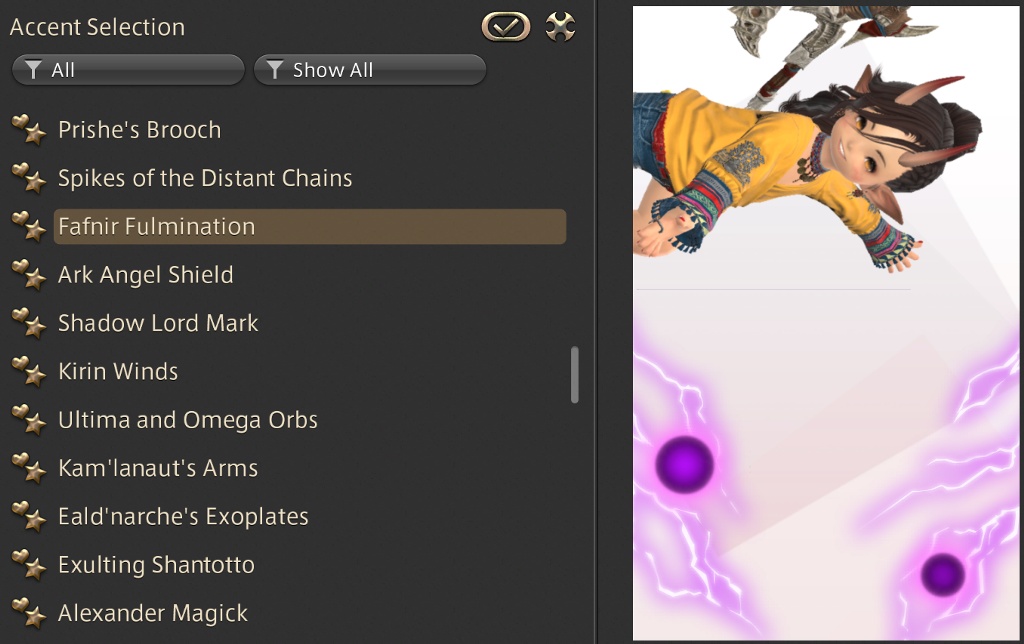
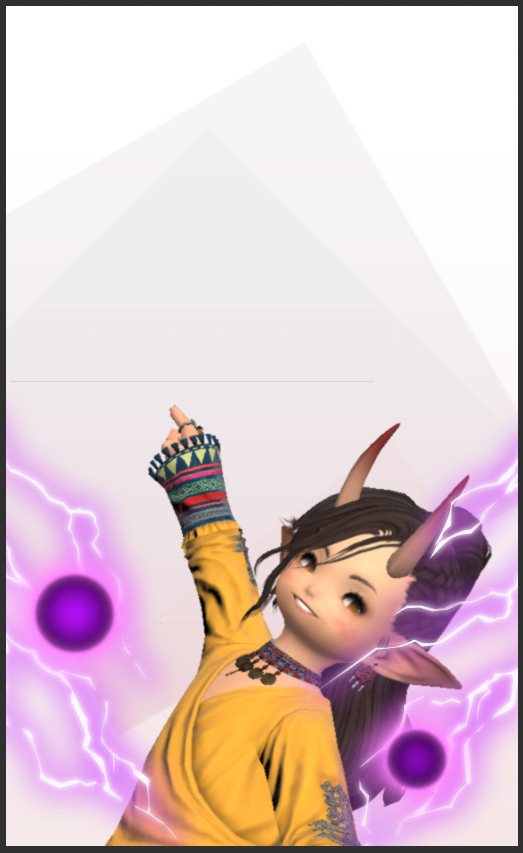
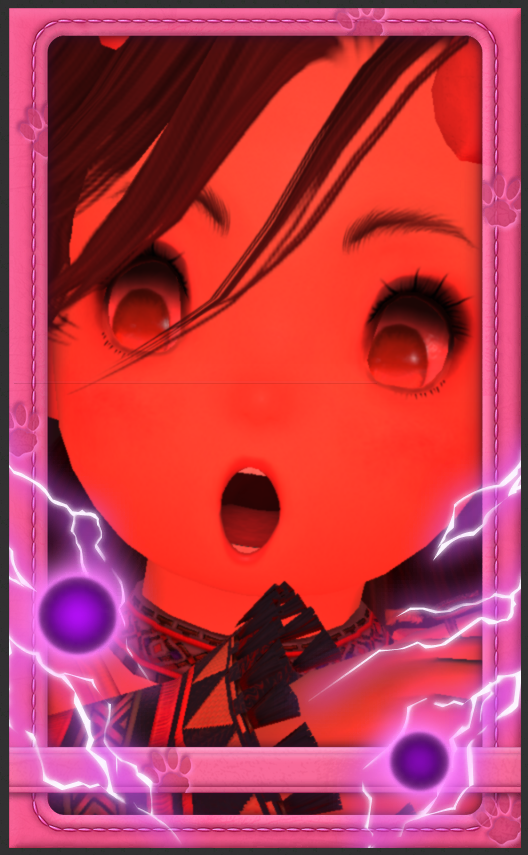
Line remains no matter what lighting or frame you choose as long as "Fafnir Fulmination" is the accent. The line also remains even when finished editing.
Frequency: Constant
World name: Coeurl
Character name: Fwee Fwee
Steps:
1. Open "Portraits" and edit one.
2. Under "Design" tab, change accent to "Fafnir Fulmination."
3. Behold.
Continue reading...
Line remains no matter what lighting or frame you choose as long as "Fafnir Fulmination" is the accent. The line also remains even when finished editing.
Frequency: Constant
World name: Coeurl
Character name: Fwee Fwee
Steps:
1. Open "Portraits" and edit one.
2. Under "Design" tab, change accent to "Fafnir Fulmination."
3. Behold.
Continue reading...